Use the labels left on your Avery sheet
Choose the first unused position. Start there on a 30-label or 80-label US Letter sheet.
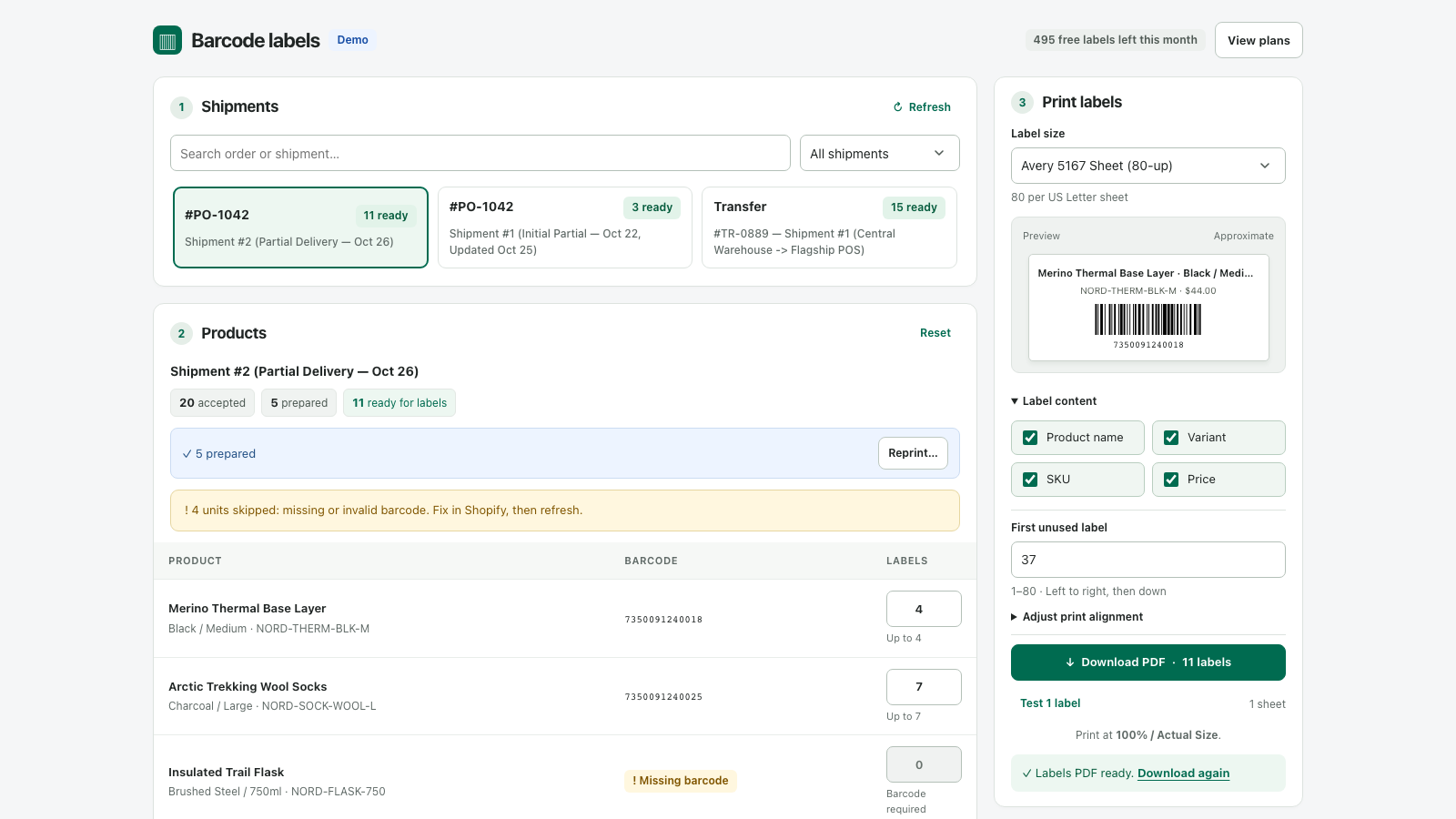
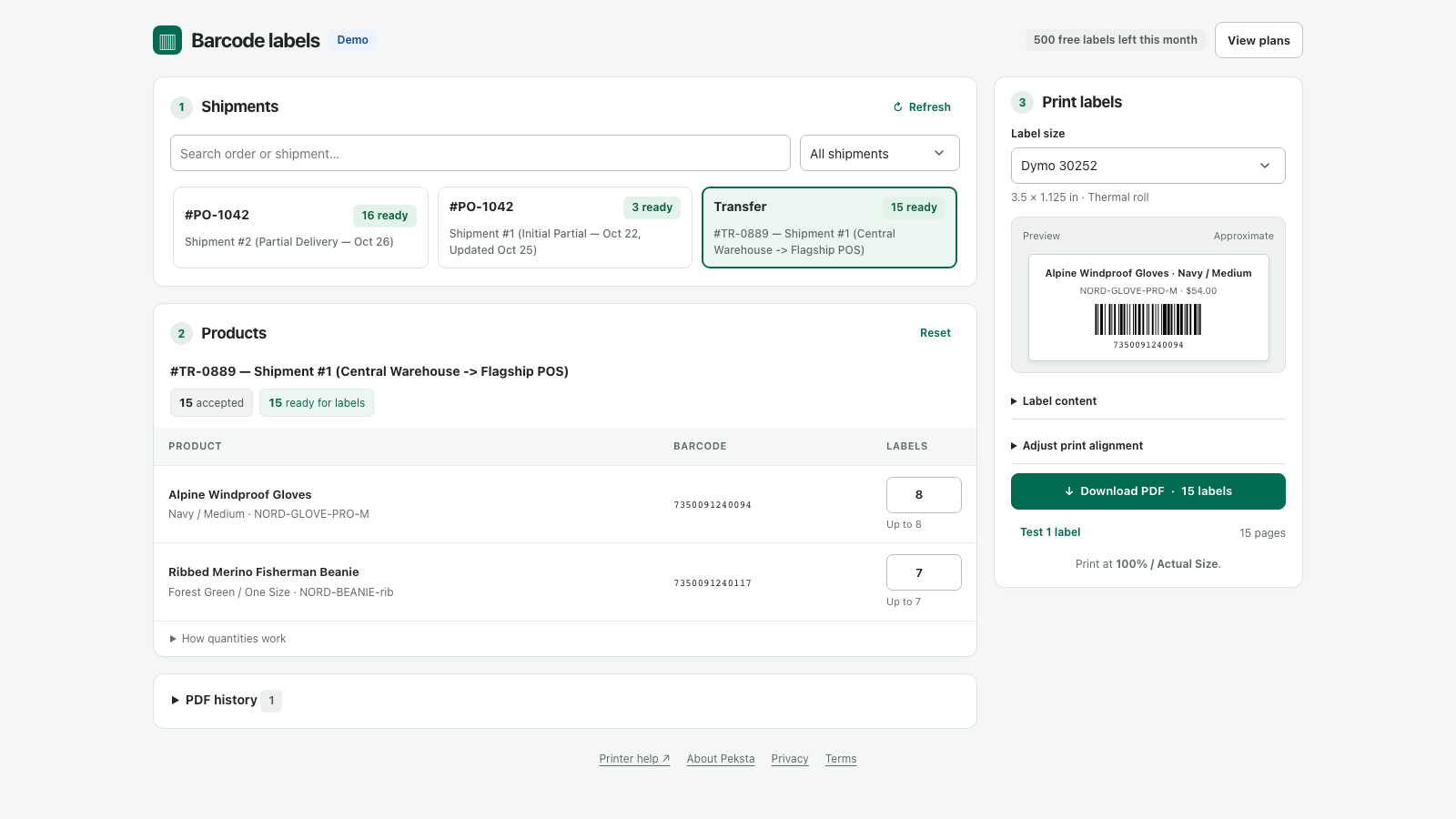
Choose a received shipment. Check the quantities. Download your labels. Peksta handles the counting, including partial deliveries.
Choose the first unused position. Start there on a 30-label or 80-label US Letter sheet.
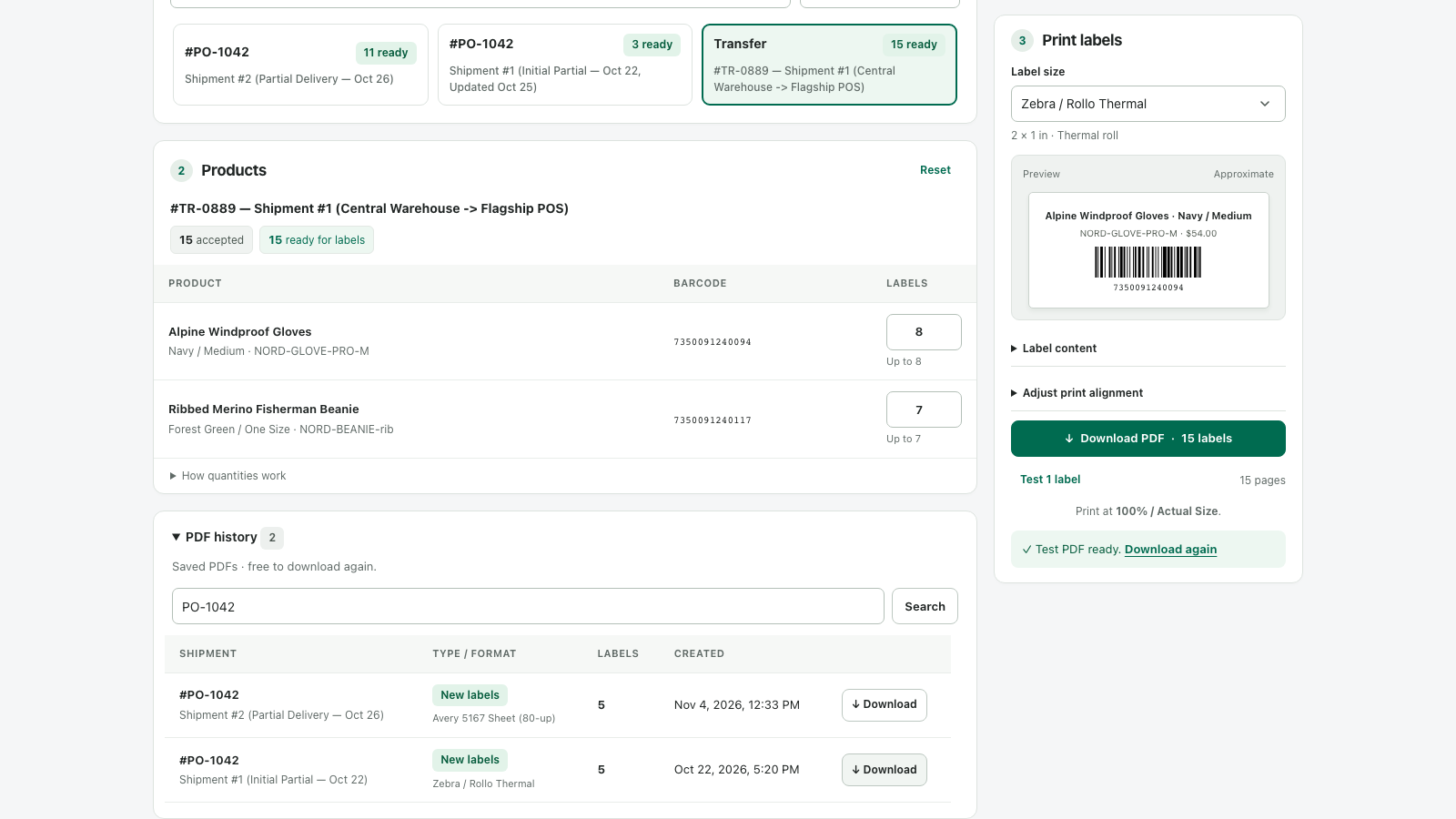
Search by order, shipment or SKU. Download the saved file again without using your label allowance.
Plans and billing are managed in Shopify. Prices are in USD.
No. Peksta reads your product and received shipment details to prepare label PDFs. It does not change your catalog or stock quantities.
Dymo 30252, Dymo 30332 Square, Zebra/Rollo 2 × 1 inch, Avery 5160 and Avery 5167. Short barcodes are required on the 1-inch square format. Print a one-label test at 100% / Actual Size before a full batch.
Items with missing or unsupported barcodes are flagged and excluded from new labels. Each received shipment has its own accepted quantities and prepared-label history, keeping partial deliveries separate.